For when you’re already on a call
Something to do with your hands while you talk.
Video chats go easier with something gentle happening between you. Open a table, both build the same puzzle, from 25 up to 2,000 real jigsaw pieces, tabs and blanks, not sliding squares. Each of you works from your own picture, and the conversation wanders while the pieces come together. Leave your usual video chat running, or use the voice that is built in.
free · no app · in your browser · two of you · voice and chat built in
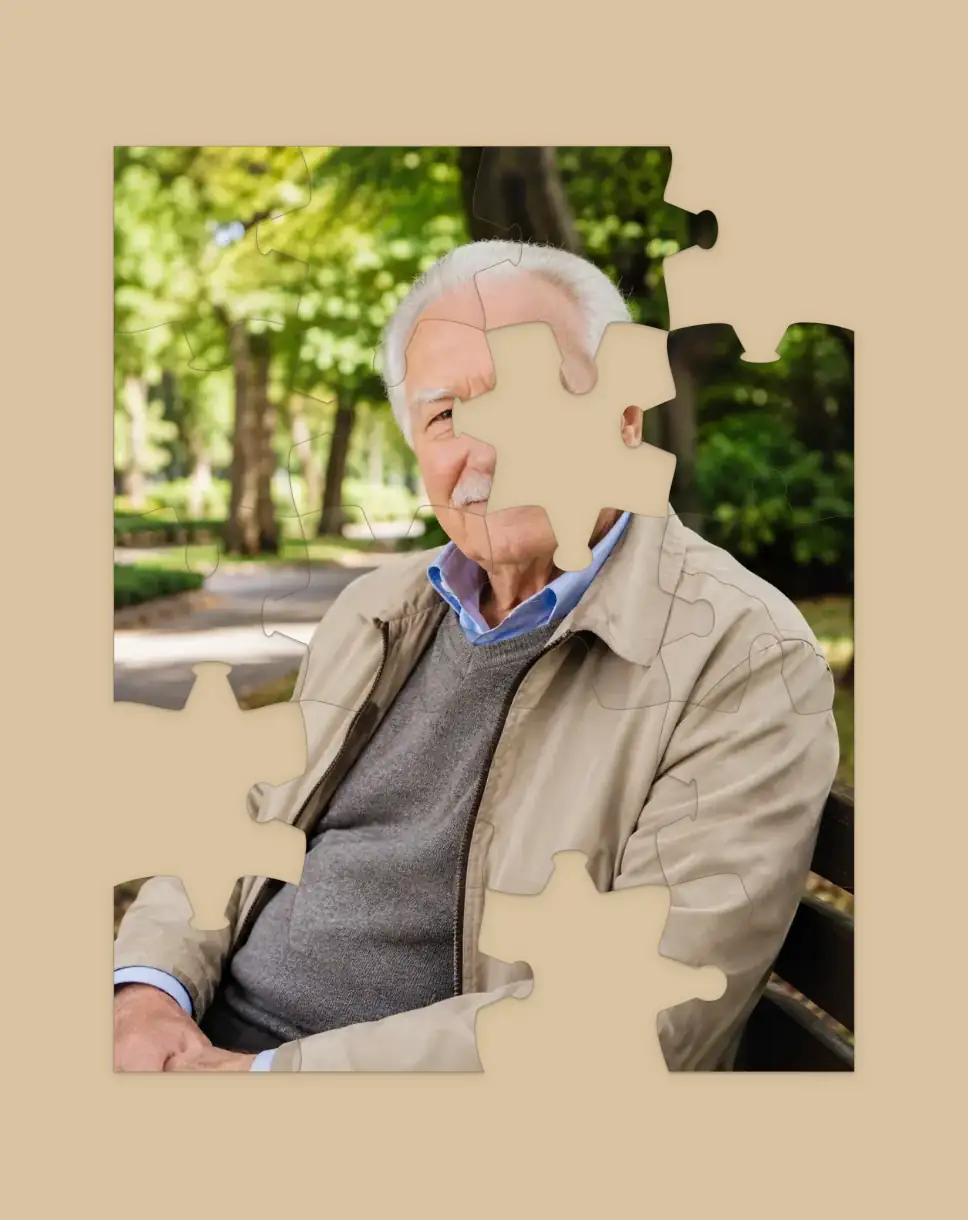
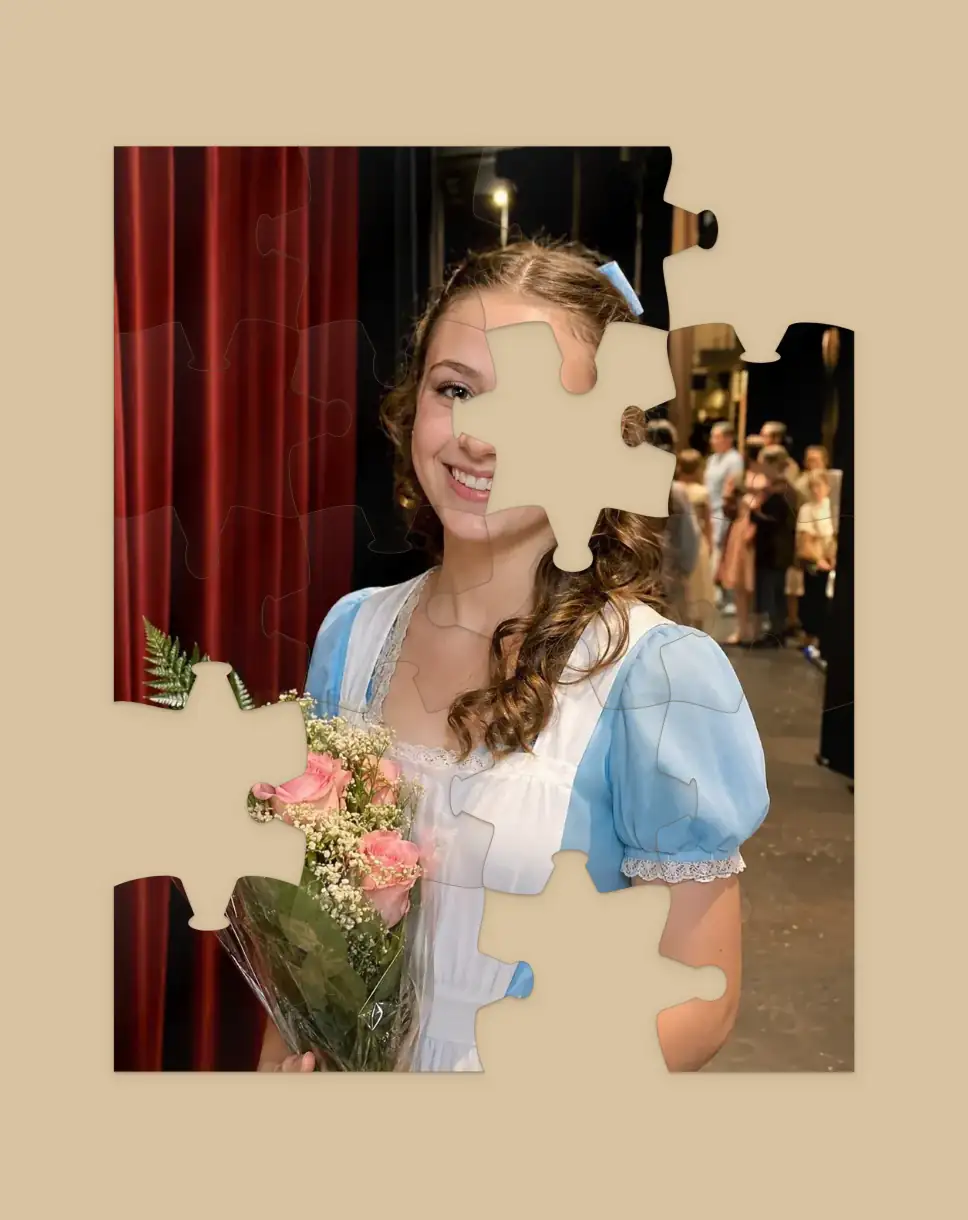
same pieces, same puzzle. your own picture on each side.
No more awkward silences
A reason for the quiet bits.
The best calls have lulls. They are just easier when your hands are busy and there is something small to point at. “Oh, that corner finally fits.” The puzzle gives the conversation somewhere to rest, instead of a silence you both feel you have to fill.
Past the usual round of trivia
Most party games run on points. This one just keeps you company.
Trivia, twenty questions, would you rather, a round of Pictionary: the usual games for a video chat are fun, and they all track points and take turns. Some nights you do not want a contest, you want to talk. A shared puzzle sits in the background instead of the foreground. You each build the same picture from your own photo, drop the odd piece into place, and the conversation stays the point.
Everything in one tab
Build, type and talk without switching apps.
Voice and text chat are both built right into the table. The voice runs peer to peer, straight between your two devices, with a text chat sitting alongside it. So you can move pieces, drop a quick message and talk, all in the same window, with nothing to alt-tab to and no second app to set up. One honest note: because the voice connects directly between your two devices, a strict work firewall or office network can sometimes block it. The text chat runs through the room and always gets through, and your usual call app is always there to fall back on.
How it works
Already talking? You’re seconds away.
first
Open a table:
pick a picture or upload your own. No sign-up, nothing to install. It is a web page.
then
Drop the link in the chat:
paste it into the conversation you are already in. One tap and the second seat is theirs.
and
Keep talking
Two screens, same puzzle. Voice and a text chat are built in if you would rather not juggle apps.
Why it beats the usual call games
Calm, not chaotic.
Nothing to win or lose
No buzzers, no scores, no one knocked out. Just a slow, shared thing that runs as long as you're talking.
Your own picture each
Same pieces, but you each build a photo that means something to you, so it is never a stranger’s stock image. It is processed right in your browser and never uploaded anywhere, so it stays between the two of you.
One link, any device
Phone, laptop, whatever is nearest. No download, so there is nothing to talk anyone through installing.
Great for grandkids too
Two seats at the table, and a room on either side.
A family FaceTime with grandkids, cousins and grandparents can turn into everyone talking over each other, or the kids staring past the screen with nothing to do. A shared puzzle gives the call one thing to look at together. The table itself seats two and never a third, so two of you hold the pieces while everybody beside either screen watches the picture arrive. Kids like finding the edge pieces first. Grandparents like calling out a guess for what the picture is before it is finished. Nobody has to read a list of rules or figure out who goes first. Choose a photo everyone will know, and when someone else wants a go, hand them your seat. No teams, no player count to keep track of, just the picture coming together while you talk.
Questions
A few honest answers.
How do you make a FaceTime call more fun?
Pick one small thing to do together while you talk, instead of a pile of games to introduce over and over. Open a shared puzzle in the browser, both build it from your own pictures, and let the conversation wander. Busy hands make the quiet stretches feel easy.
Do I need FaceTime, Zoom or Discord?
No. There is voice built in, straight between the two of you. But if you are already on a video chat you love, leave it running and use this just for the puzzle. Either works.
What other games can we play on a call?
The usual ones still work: trivia, twenty questions, would you rather, a round of Pictionary, a quick word game. Those track points and take turns. This is the calmer option for when you would rather just talk with something gentle happening between you.
Is it free?
Yes. No app, no account, no paywall. Open a table in the browser and send the link.
What is a good game to play on FaceTime with your girlfriend or boyfriend?
Something slow and shared beats something competitive. Each of you builds the same puzzle from your own photo, so you are making a picture of each other while you catch up, with no winner and no rush.
How many of us can play?
Two. Every table here has exactly two seats, and the link fills the second one, so the puzzle itself is between you and one other person however many of you are on the call. When somebody else would like a go, hand over your seat, or open a fresh table with them.
What games can we play on FaceTime with grandkids or the whole family?
The puzzle sits well alongside a family video chat, with one thing to know first: the table seats two, so two of you hold the pieces and everyone beside either screen watches the picture take shape. There is no turn order or scorekeeping to explain to a five-year-old or a grandparent who has never played an online game before. Choose a photo everyone will know, let the room call out where a piece should go, and pass your seat on when someone else wants a turn.
What card games can we play on FaceTime?
There is one here: Jig Rummy, a rummy dealt from pieces of paintings and prints, and it seats the two of you in a room of its own. For the classics with a real deck, our sister site Connected by Cards deals Gin Rummy, Speed and Crazy Eights between two screens, in a browser tab beside your call. Come back to this table for the quieter stretches in between.
What if the built-in voice will not connect?
Voice is peer-to-peer, so a strict firewall can occasionally block it. The text chat always gets through, and you can always fall back to your usual call app.
Can we each build a different picture?
Yes. Same pieces for both of you, but each person can bring their own photo. It is the bit no other puzzle does.
Does it work on a phone?
Yes, phone or laptop, right in the browser. Handy when your video chat is already on your phone.